
DJ and event entertainment: request agreed payments
Agree on the event date, venue, performance length and any sound or lighting options, then use PayLinker to request the payment your client owes for the DJ service.
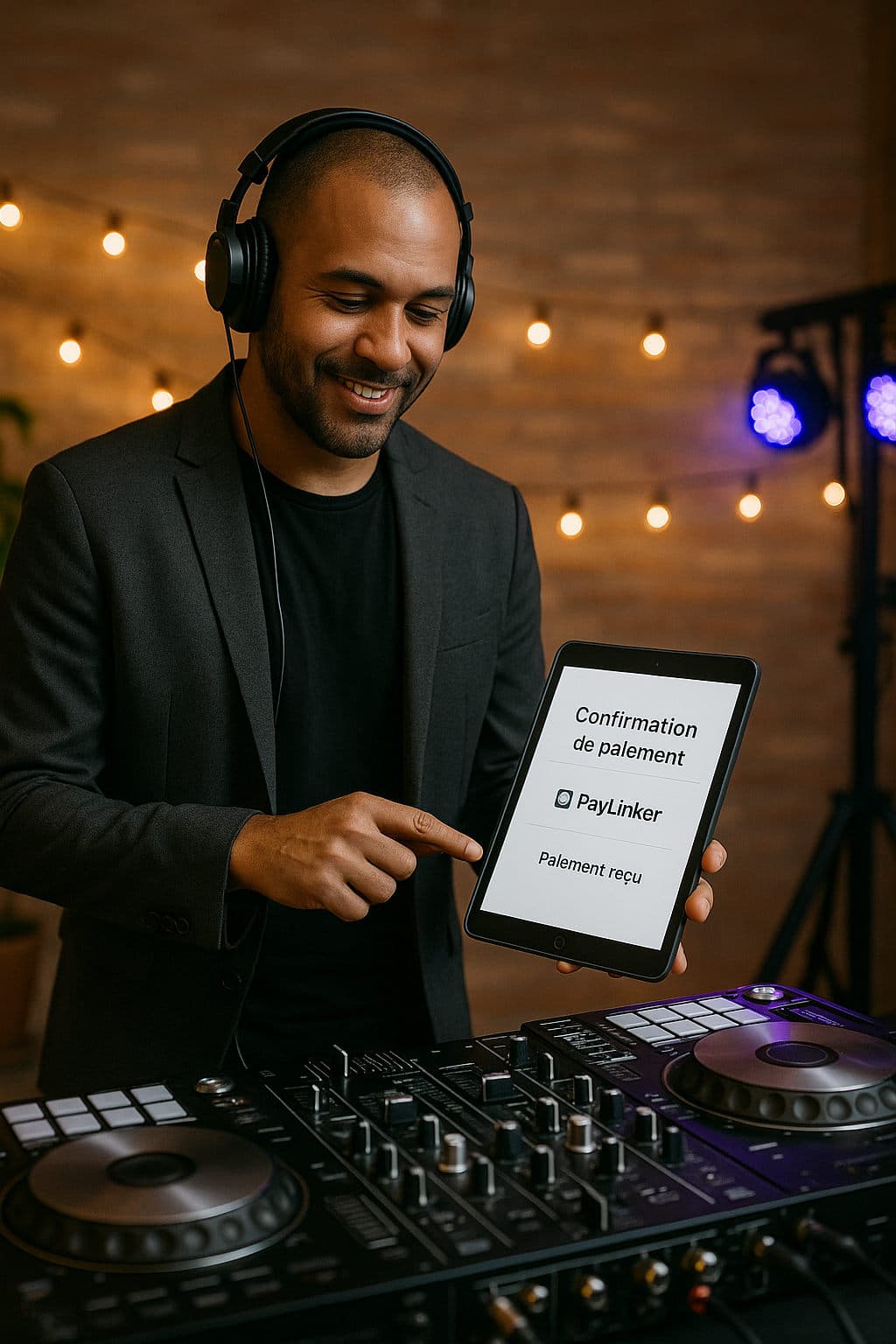
Examples for this activity
- A wedding set includes the agreed performance and sound system.
- A longer set requested during the event can be charged separately once both sides accept it.
Payment steps
Confirm the format, duration and price with the client. Send a request for the agreed first payment or full price. Check the confirmed payment; request the balance or accepted extension separately.
A question before you start
Does paying the first amount reserve the date automatically?
You confirm the booking under your own terms after checking the payment; PayLinker does not manage the calendar.
See also
See also in Events & services
Compare nearby use cases, jump back to the sector hub and use the payment-flow pages that best fit the situation.
PayLinker flows
Useful pages to choose the right payment flow
Deposit, booking deposit, security deposit or payment link: open the page that best matches the situation.
Start with PayLinker
Create your account to prepare a request
Complete the required payment setup, then send a request when the amount and terms are agreed.
A useful distinction
Choose the right next step
Keep the purpose of each request recognisable: initial performance, remaining balance or agreed extension. See the relevant PayLinker flow.
What this changes
The practical benefit for your work
Next step
Choose the right payment request
See the full flow
Compare the current PayLinker plans
Plan charges, SMS credits and payment processing costs are explained on the pricing page.