
Restaurant
A group meal to prepare
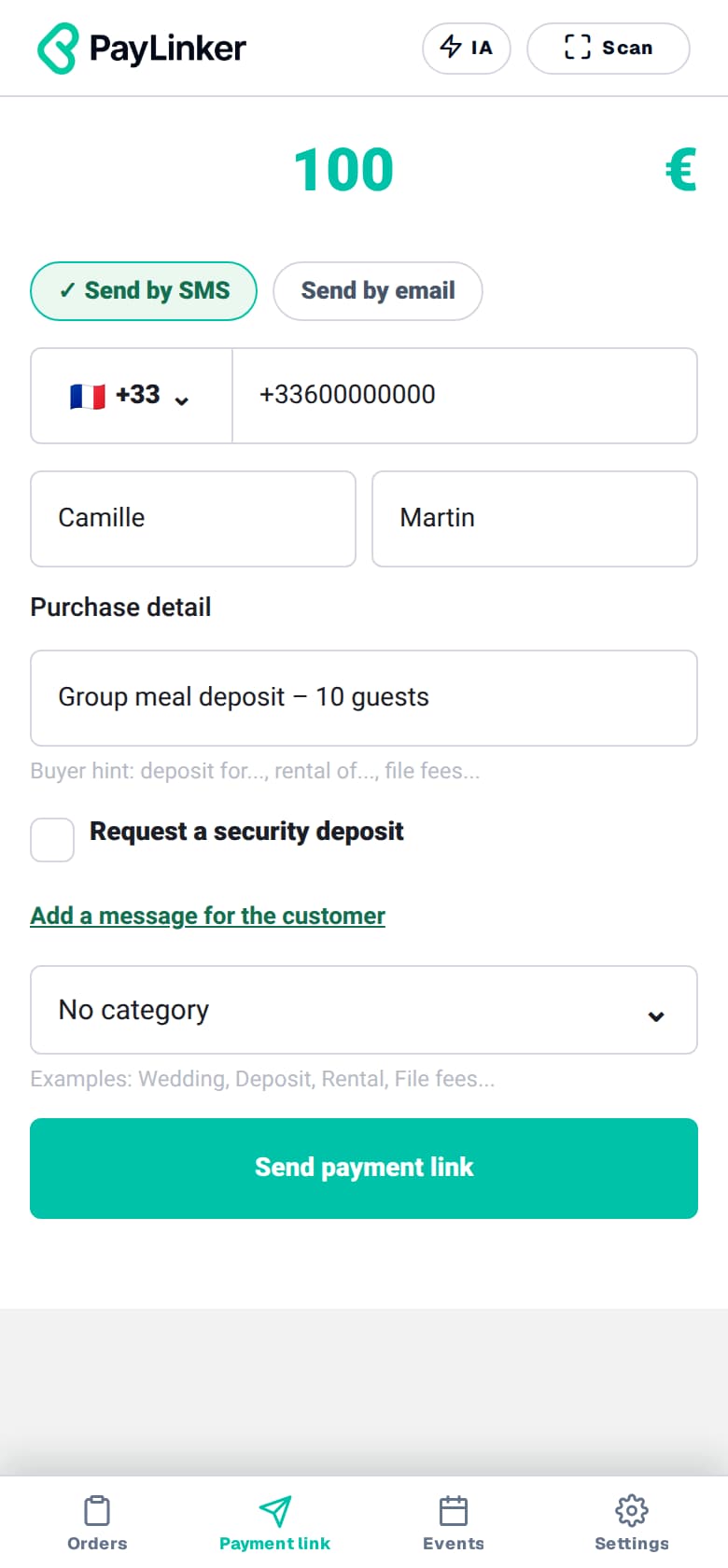
€100 deposit
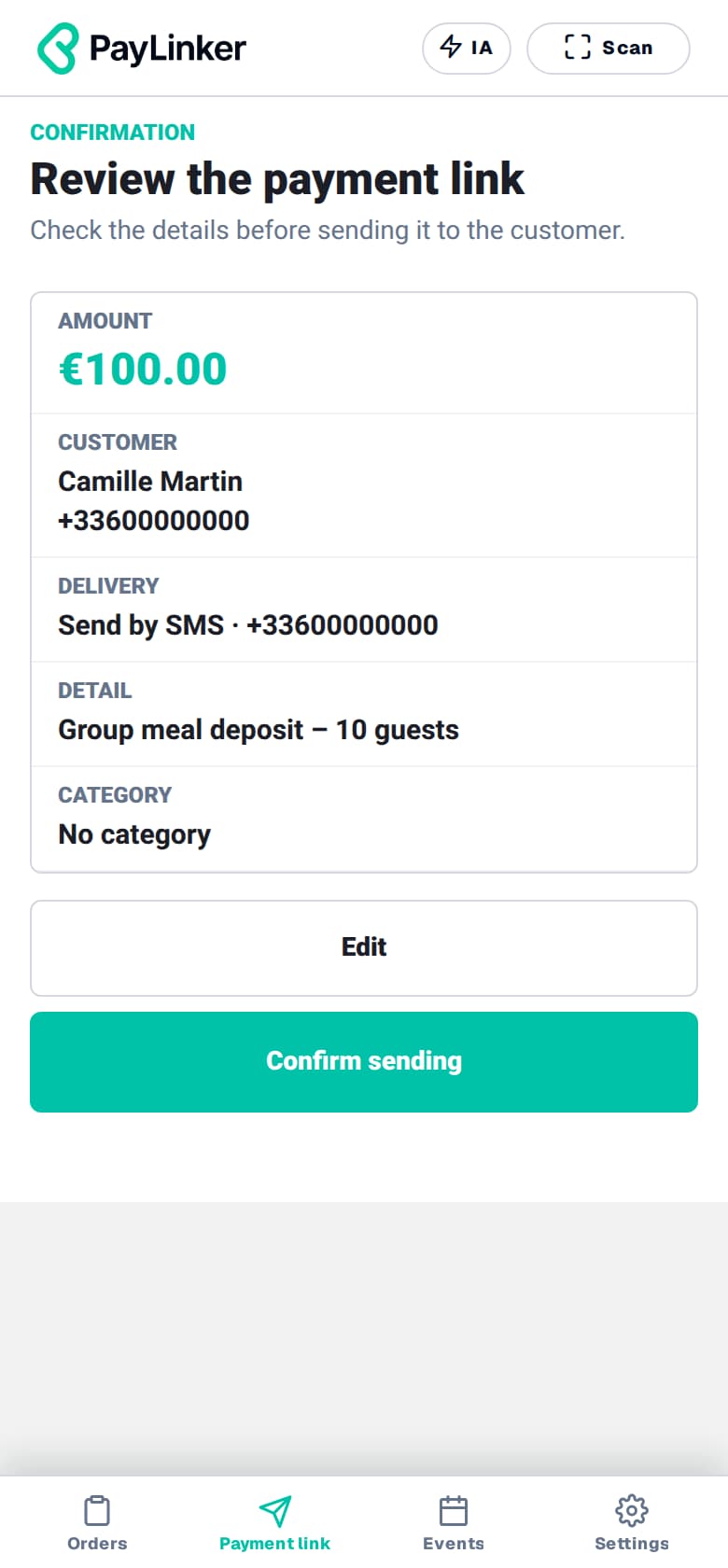
For a booking of 10 people, you agree on a €100 deposit. Send the request to your customer, then check the payment before the meal date.
Restaurants and caterers
Group meals, table bookings or catering services: send the agreed amount by SMS or email and check its payment status in PayLinker.
Restaurant
€100 deposit
For a booking of 10 people, you agree on a €100 deposit. Send the request to your customer, then check the payment before the meal date.
Caterer
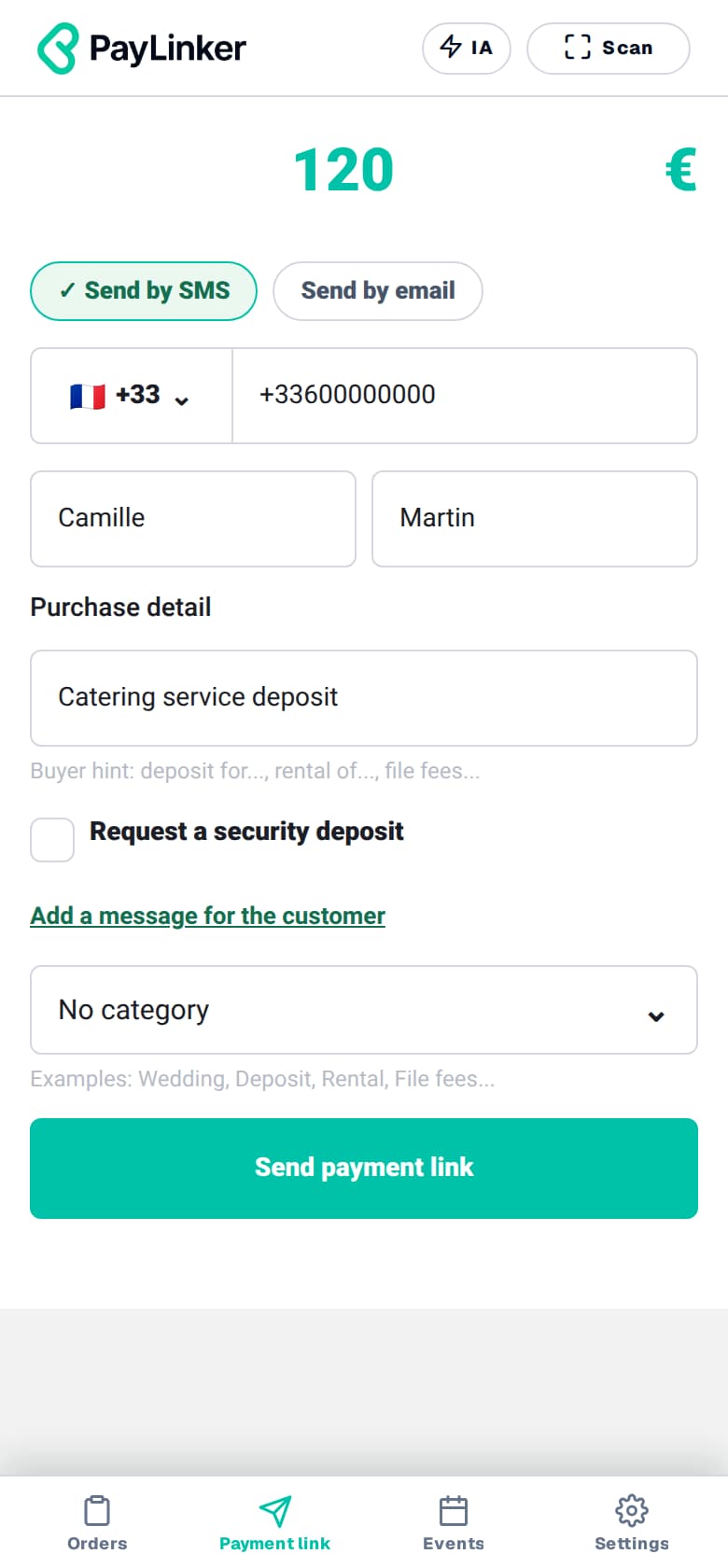
€120 deposit
For a €600 service, you agree on a €120 deposit. The €480 balance will be requested separately, at the time agreed with your customer.
Fictional examples. You agree the amounts and terms with your customer.
Confirm the booking, date and terms with your customer.
Create the PayLinker link and send it by SMS or email.
Check the status in PayLinker before continuing your preparations.
You agree the amount with your customer. PayLinker lets you send the request and track its payment.
Create a new request with a distinct description. For an extra charge, get your customer's agreement on the amount first.
No. You manage the booking within your organisation and check PayLinker to verify the payment.
Understand payments