
PayLinker

PayLinker online ticketing

Create your online ticketing page and sell tickets simply

Create an event, add ticket types and share a ready-to-use sales page. Attendees pay online, receive their tickets by email and present their QR code on event day.

What PayLinker covers

  • Free event creation
  • Unlimited events
  • Tickets sent automatically
  • One QR code per ticket
  • Mobile and web entry checks

The complete event journey in one place

PayLinker connects the public event page, online payment, ticket delivery and entry control without requiring separate tools.

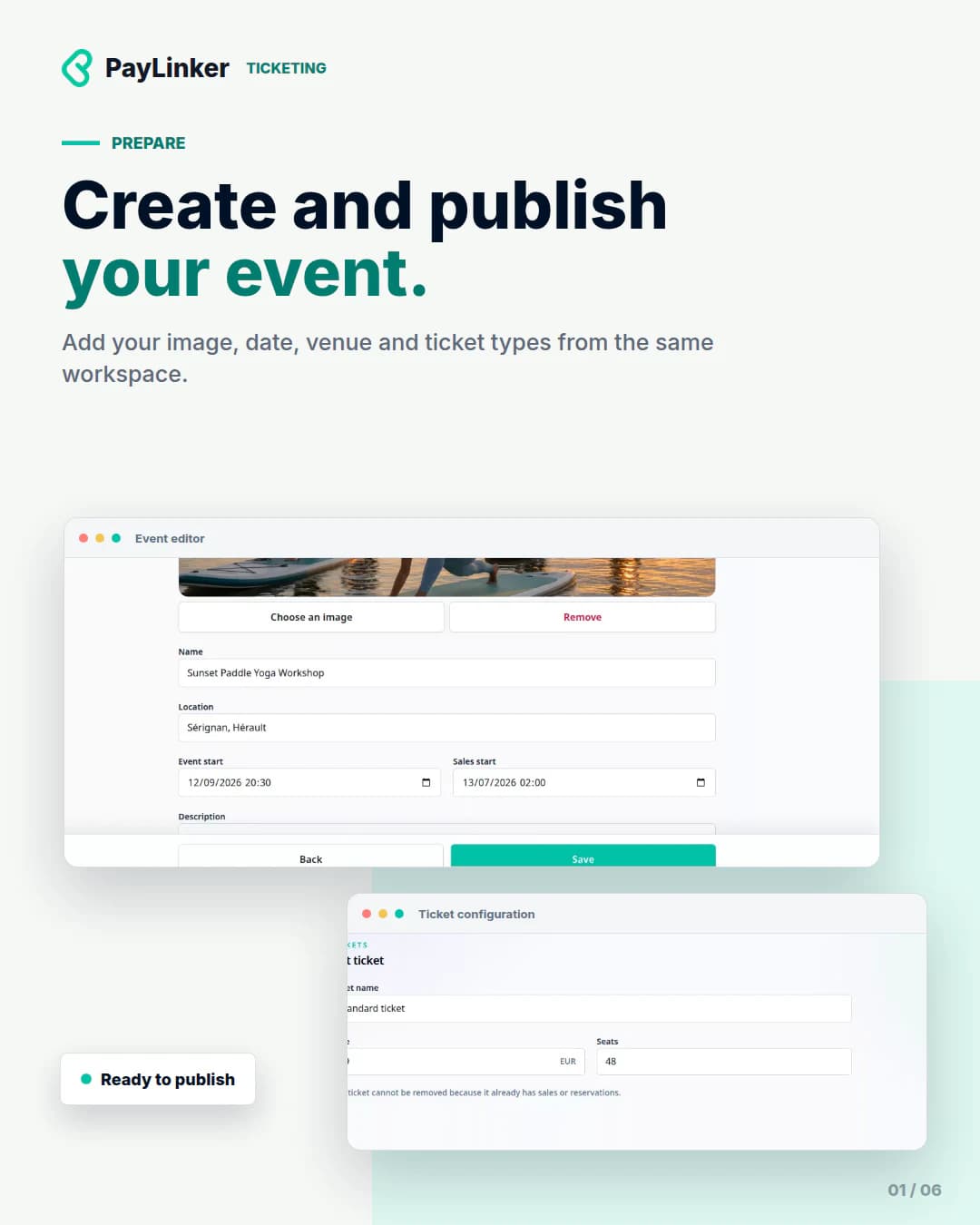
  • Prepare the event information and cover image.
  • Create paid ticket types and available quantities.
  • Share a responsive public page.
  • Receive payments through Stripe Checkout.
  • Send individual tickets by email.
  • Check entries from mobile or web.

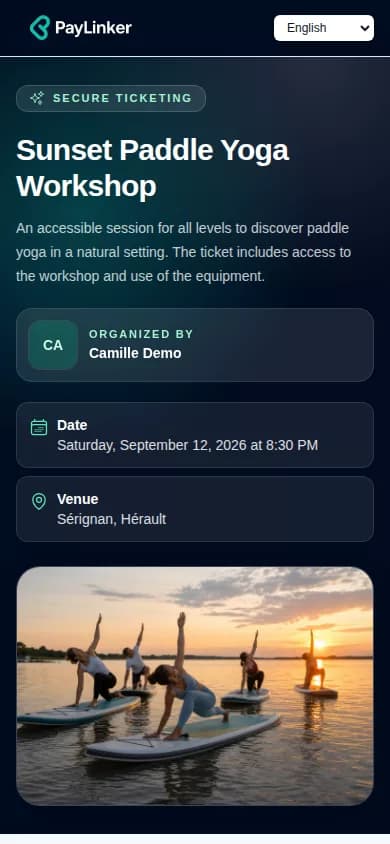
A public page designed for mobile visitors

Attendees can see the date, location, organiser and remaining ticket categories before starting their purchase.

Sales and attendees in the same dashboard

Orders, sold tickets, attendees and entry checks remain available from the event workspace. The specialised pages explain each stage in more detail.

Mobile app currently in testing

The PayLinker app is currently in testing for event follow-up and ticket scanning. It will be available soon on iOS and Android.

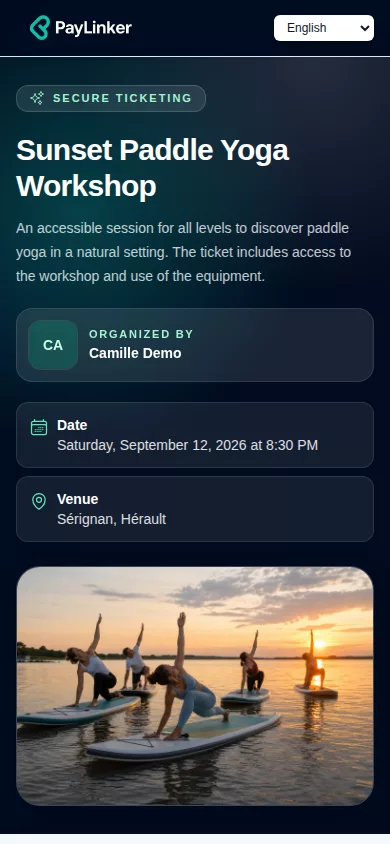
A clear preview for attendees

Event details and available categories stay easy to read before the visitor starts an order.

PayLinker public page for the Paddle Yoga workshop with available tickets

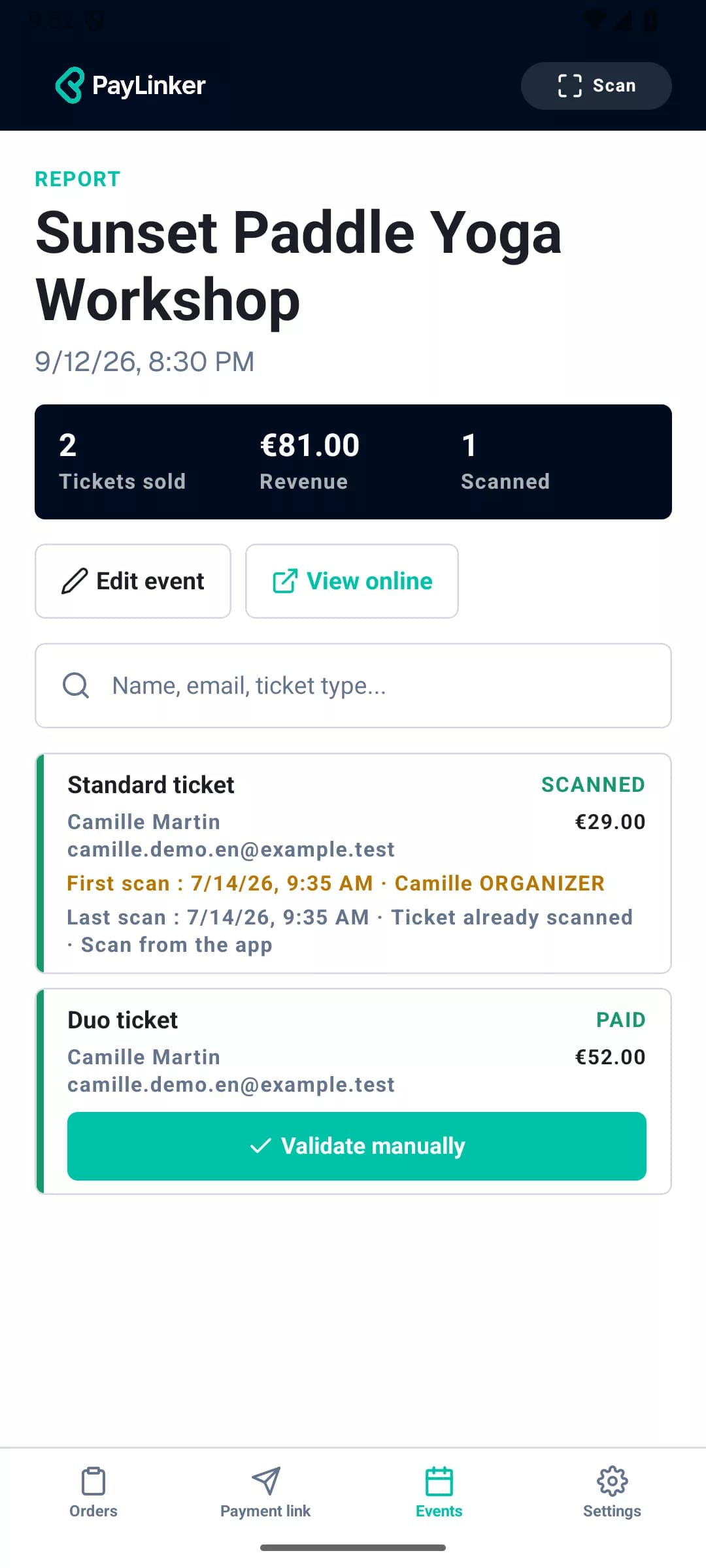
Manage events from the mobile app

View your events, their activity and entry checks from your phone.

Coming soon on iOS and Android
Paddle Yoga event details and tracking in the PayLinker mobile app

Track sales from your dashboard

Tickets sold, revenue, attendees and checks remain available in the same workspace.

PayLinker dashboard showing event sales and attendees

Continue preparing your event

Frequently asked questions

How many events can I create?

You can create as many events as needed at no charge.

Does the buyer need a PayLinker account?

No. Buyers select tickets, provide their email address and pay without opening a PayLinker account.

Can I offer several ticket categories?

Yes. Each paid ticket type can have its own name, price and available quantity.

How are duplicate scans detected?

PayLinker checks the ticket history and reports when the same QR code has already been used.

Create your event and start selling tickets

Prepare the page, define your ticket types and share the link with your audience.