
Event photographer: payment for the shoot and deliverables
Set the hours of coverage and the photographs to be delivered—files, prints or an album according to your offer—before asking the client to pay through PayLinker.
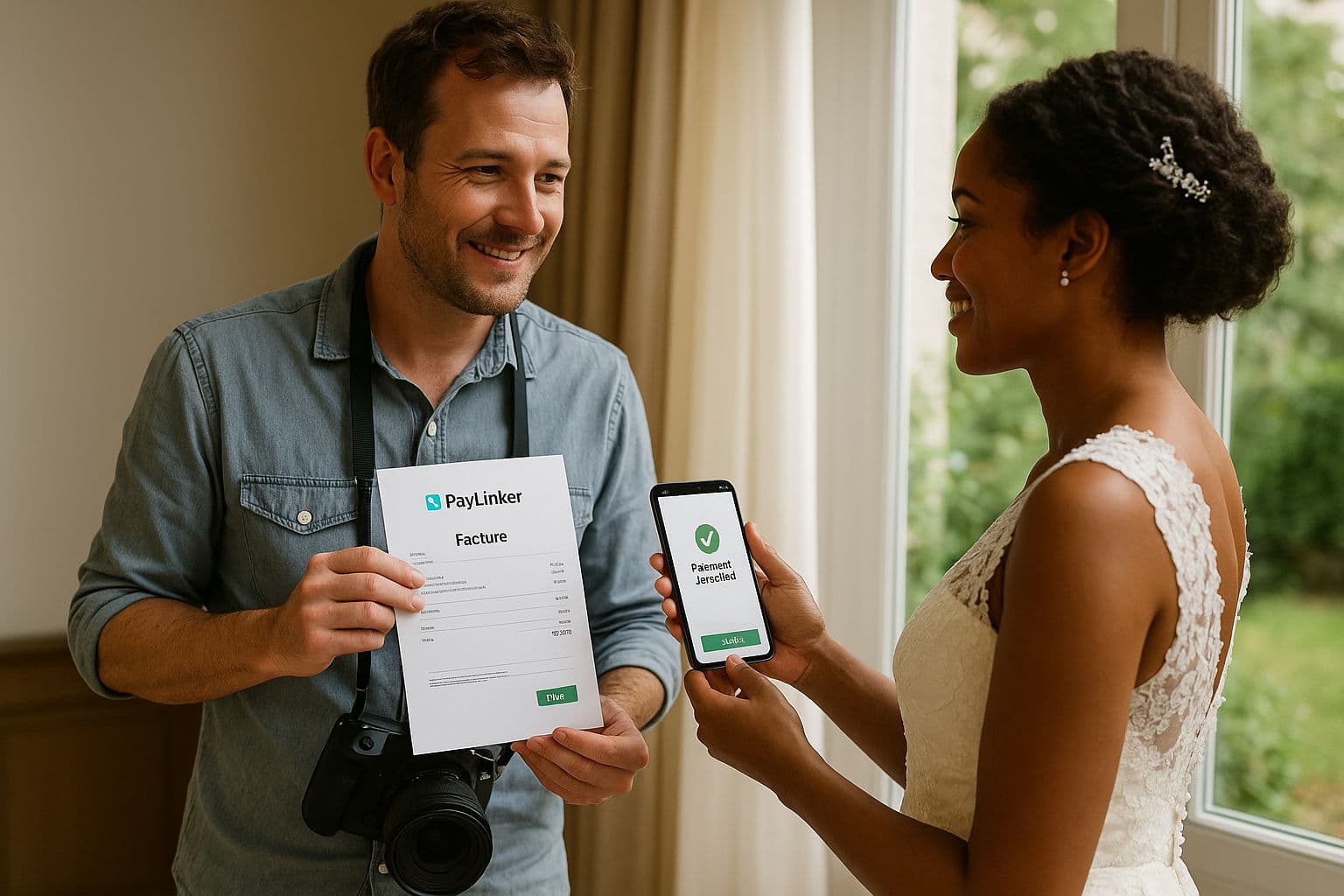
Examples for this activity
- An event shoot includes four agreed hours and a selection of digital files.
- After delivery, the client accepts extra prints and receives a separate payment request.
Payment steps
Agree on coverage, deliverables and price. Request the agreed first amount or full fee by SMS or email. Check confirmed payment and send a distinct request for the balance or extra order.
A question before you start
Does payment deliver the photographs?
No. You manage image selection and delivery as part of your photography service.
See also
See also in Events & services
Compare nearby use cases, jump back to the sector hub and use the payment-flow pages that best fit the situation.
PayLinker flows
Useful pages to choose the right payment flow
Deposit, booking deposit, security deposit or payment link: open the page that best matches the situation.
Start with PayLinker
Create your account to prepare a request
Complete the required payment setup, then send a request when the amount and terms are agreed.
A useful distinction
Choose the right next step
The payment request identifies what is being paid; it is not a photo gallery or a delivery workflow. See the relevant PayLinker flow.
What this changes
The practical benefit for your work
Next step
Choose the right payment request
See the full flow
Compare the current PayLinker plans
Plan charges, SMS credits and payment processing costs are explained on the pricing page.