
1. Prepare for arrivals
Give the people checking tickets access to the organisation managing the event.
Entry checks
At your event entrance, check PayLinker tickets on your phone or on the web. The result helps you decide whether to admit the attendee.
For tickets issued with PayLinker.
Give the people checking tickets access to the organisation managing the event.
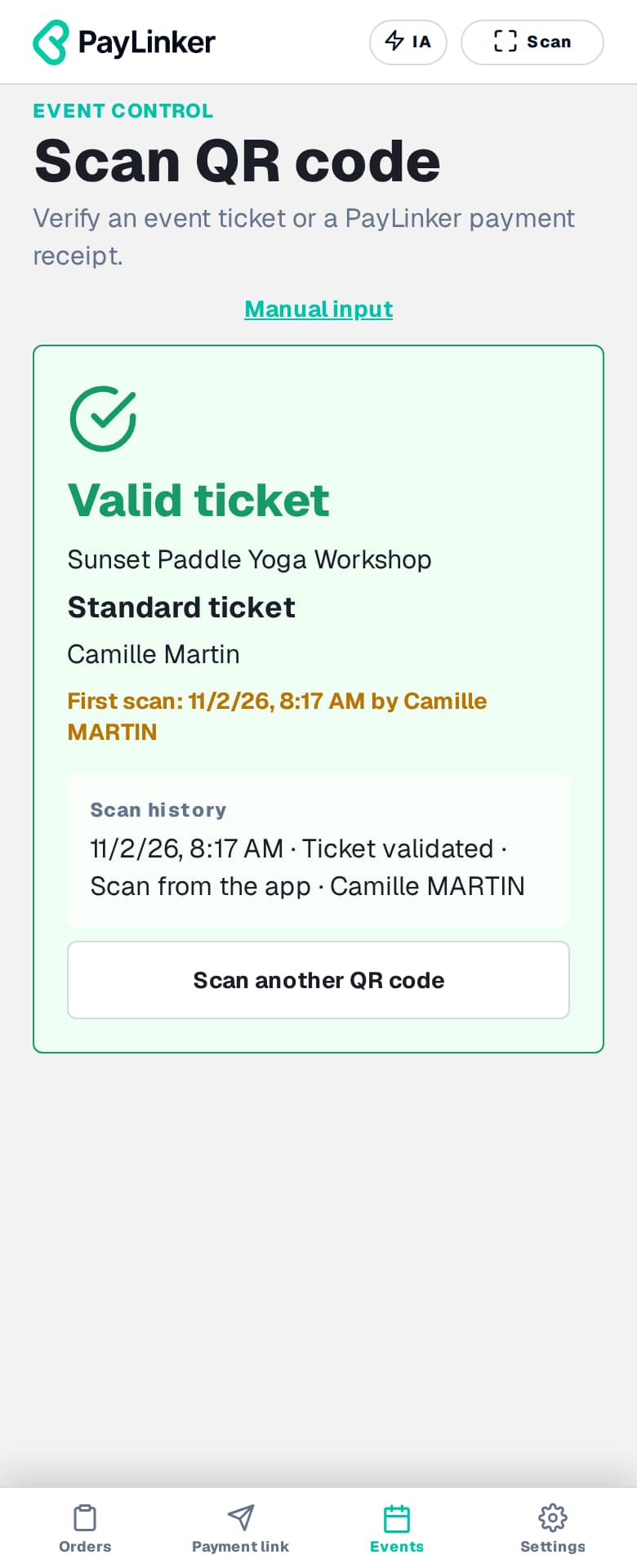
Hold the ticket up to the scanner. PayLinker checks the ticket details and previous checks.
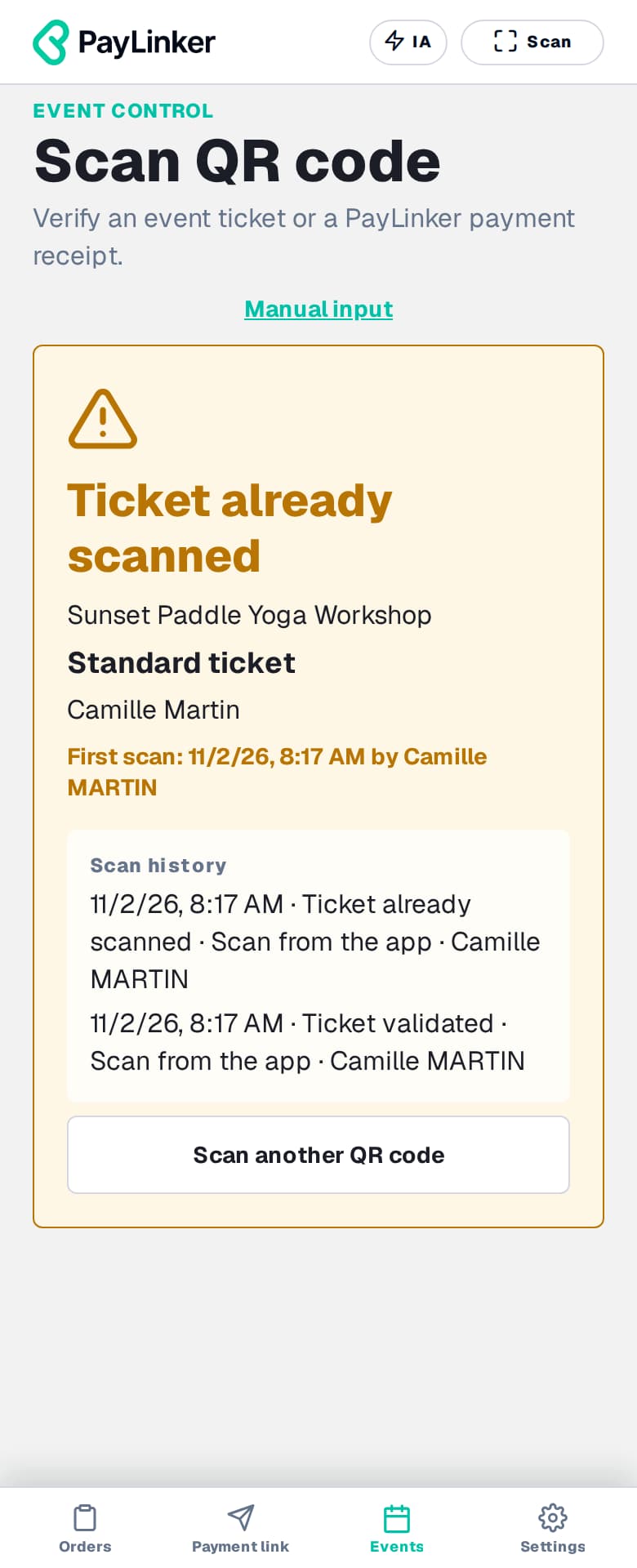
Read the displayed status before letting the attendee in.
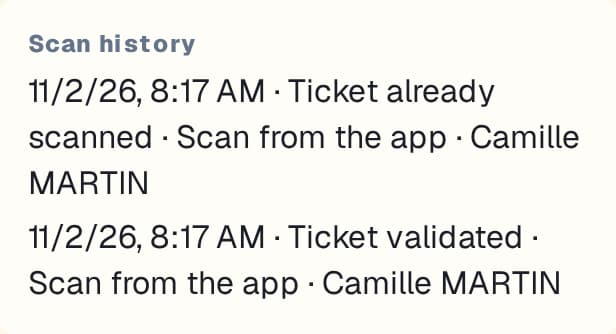
Review the history to understand when a ticket was presented. If an attendee cannot find their email, search for their ticket in PayLinker and validate it manually.
PayLinker ticket checks are available in the mobile app and the web administration interface. Test camera access on the device you plan to use before the event.
Scanning it again flags that the ticket has already been used. Details of the first check help your team assess the situation.
Arrange an Internet connection to check ticket status during entry checks. Test its availability at the entrance.