
PayLinker

Online ticket sales

Sell event tickets from a page ready to share

Offer several paid categories without building an online store. Visitors choose quantities, review their order and pay through Stripe Checkout.

What PayLinker covers

  • Several ticket categories
  • Available quantities
  • Stripe Checkout payment

01

Categories that match your offer

Create the useful ticket types with their own name, price, currency and available quantity.

02

A short buyer journey

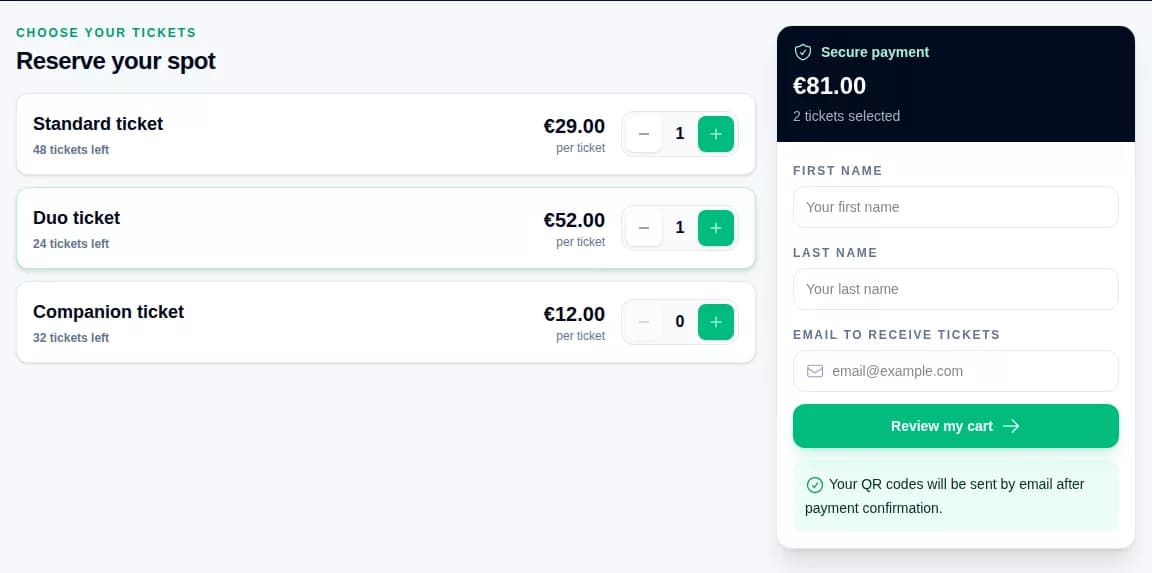
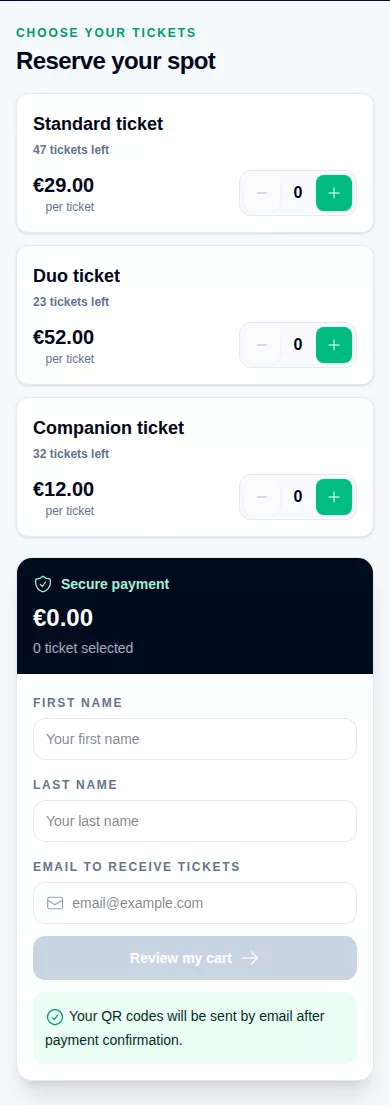
The buyer chooses quantities, enters an email address, checks the order summary, accepts the applicable terms and continues to Stripe Checkout.

03

Capacity stays visible

The available quantity of each category limits sales and helps you keep the event capacity under control.

04

Follow orders after launch

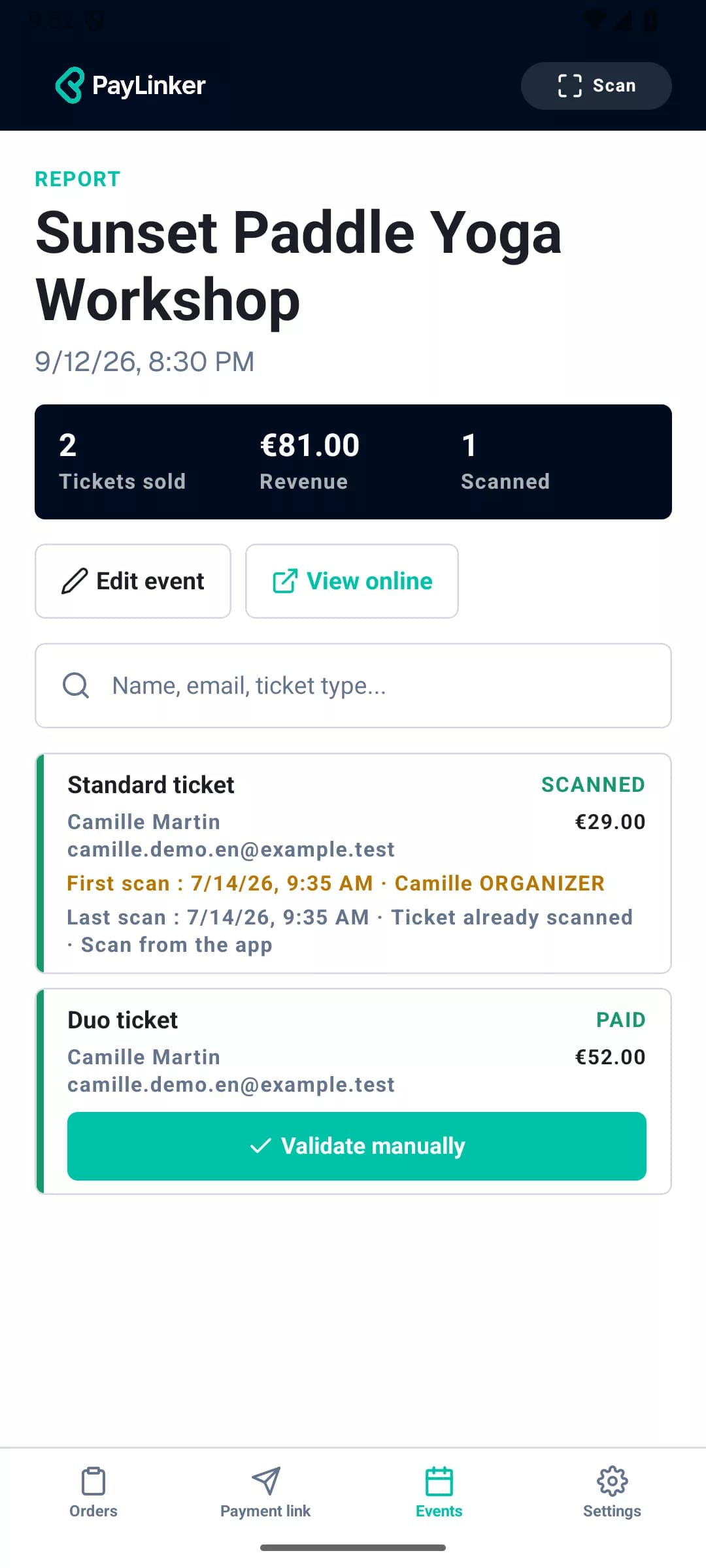
The dashboard shows sold tickets, revenue, buyers and individual tickets without requiring the buyer to create an account.

A page ready to share

Present your event, show available tickets and receive orders from a mobile-friendly page.

PayLinker public page for the Paddle Yoga workshop with available tickets
PayLinker order summary before payment for the demonstration tickets
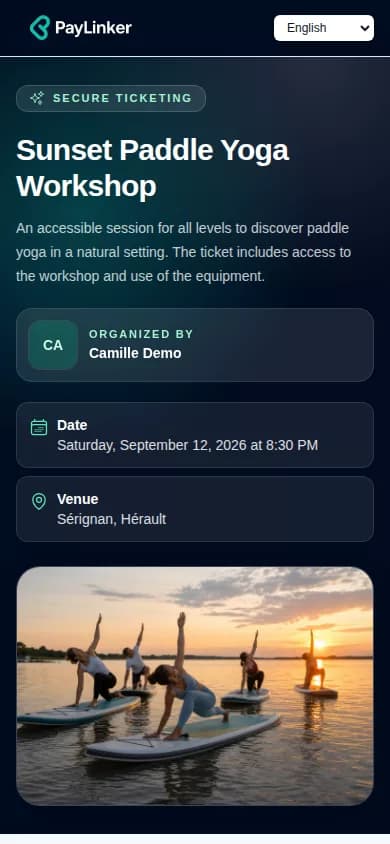
Mobile PayLinker public page for the Paddle Yoga workshop

Continue preparing your event

Frequently asked questions

Can I cap the number of places?

Yes. Each ticket type has an available quantity that limits sales.

Can PayLinker sell free tickets?

The currently verified ticketing journey covers paid tickets.

Where are payments processed?

Ticket payments are processed through Stripe Checkout.

Open a ticket sales page ready to share

Add your categories, publish the page and follow incoming orders from PayLinker.